What Happens to Your Passwords When You Die?
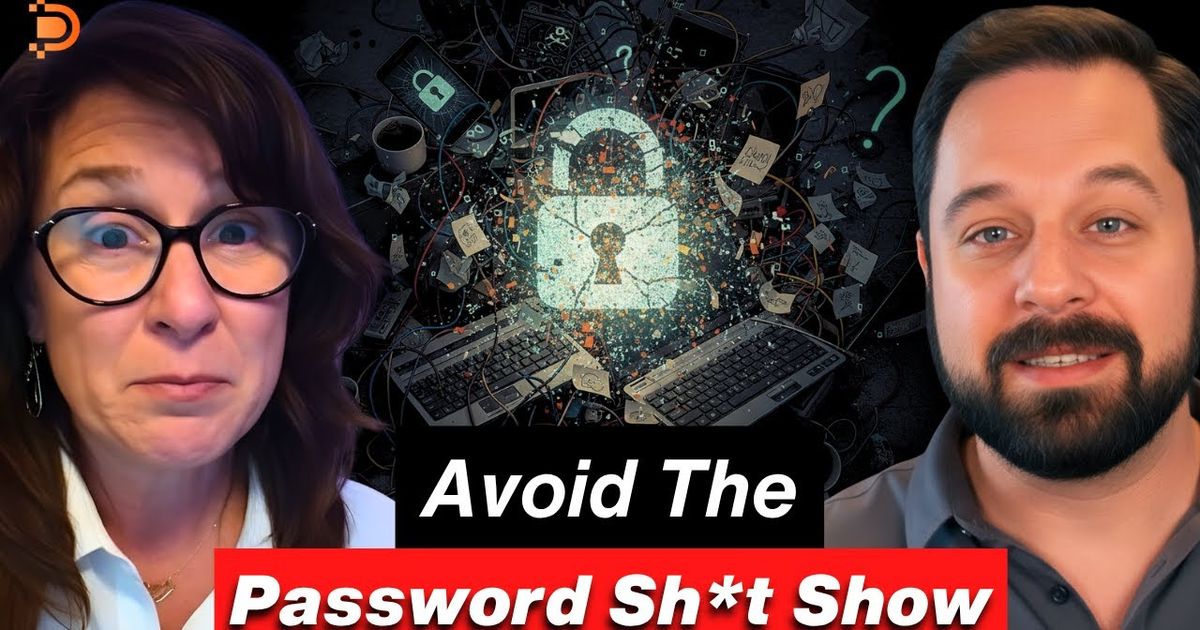
Unless you plan for it, your passwords die with you. Your family cannot simply ask for them, and even Apple's Legacy Contact feature, which passes your photos, messages and files to someone you choose, does not include your passwords.
That gap is where families get stuck. As a digital thanatologist, I find people rarely understand what I do until I talk about their phone. Then comes the “oh no” moment: if you died tomorrow and your phone died with you, how would anyone get past the passcode, or the multi-factor codes sent to it?
On this episode of the Digital Legacy Podcast, I spoke with David Cox, who has run the YouTube channel Tech Talk America for 15 years. Roughly 80% of his audience is over 50, and his one-on-one clients are mostly in their 60s and 70s. He describes his gift as being able to “talk tech to the non-tech savvy.” His focus is Apple (Google has its own tools for Android), but he does not work for Apple, which, as he put it, leaves him free to call them out.
Why is your phone passcode the most important password?
Because so much else runs through it. David was direct: “The most important password is that device passcode.” Many other passwords can be reset. The passcode is what unlocks the device everything else depends on.
The next most important is your email password. When your family starts working through your accounts, the recovery messages land in your inbox. If they cannot get into it, every “forgot password” link leads nowhere.
Your data is encrypted, which is good for your privacy and hard on your family. And none of it is really yours forever anyway. “We're all just kind of leasing in this digital world,” David said. “No one's got permanent residency.”
What does Apple's Legacy Contact pass down, and what does it leave out?
Legacy Contact is Apple's answer to the locked phone. You name up to five people who can get to your data after you die. As of early 2025, David walked through the path on an iPhone (menus can change): open Settings, tap your name at the top, choose Sign-In & Security, and scroll to Legacy Contact at the bottom.
It covers what most families want most: photos, messages, files on your desktop and in your documents folder, and iCloud Drive. Without a Legacy Contact, David said, your family needs a court order to get into that data.
What Legacy Contact does not include is your passwords, and this is where David parts ways with Apple. “What Apple should have done, in my professional opinion, is they should have given an option for passwords to be included with this data,” he said. “They did not.” That puts the job on the living.
There is another catch. My husband uses an iPhone and a Mac, so I asked whether I would be stuck even as his Legacy Contact. At the time we recorded, according to David, a loved one without a Mac cannot get to the messages: iCloud.com gives access to a lot, but not messages. If the device itself is destroyed, you would have to buy or borrow a Mac just to read them. That is why he says you also need the device passcode.
Why can passkeys lock your family out?
Passkeys, available on Android as well as Apple devices, replace something you type with a key that lives on your device. That is great for security until the device is gone. If you die in a plane crash or a car crash and the device is destroyed, David explained, “your loved ones not only do they not have a way to get into your account, they don't even know the account exists unless they go into your email.”
His check for Apple users: open the Passwords app on a Mac and press Command-2 to see every stored passkey, then make sure each one also has a password saved.
It is a good example of what David calls the seesaw. On one side is convenience, on the other is security. Use your dog's name as your password and your risk goes “through the roof.” But “if you go too crazy on the security side,” he said, “it can create an issue for your loved ones.”
How do you pass your passwords on to your family?
David's answer is simpler than most people expect. Wherever you keep your passwords, whether that is 1Password, LastPass or Apple's Passwords app, there is “pretty much always” an option to export everything as a CSV file, the kind of file a spreadsheet program opens.
Give your loved ones a way to reach that file, set up your Legacy Contact, and make sure your executor has your device passcode. “It is also critical that whoever is your executor needs to have the passcode to get into your devices,” he said.
Two cautions. Check that what is in the file is correct. And do not leave it lying around. “It's probably not the best idea to keep a file called passwords on your computer,” David said. An exported CSV is plain, unencrypted text, so store and share it the way you would a spare key to everything you own.
Then keep it current. David sets a recurring Siri reminder, quarterly or every six months, to send his loved one an updated copy, and he and his spouse review their physical firebox on the calendar every six months.
What should you do if you are the one inheriting the passwords?
David's best tip is for the person on the receiving end. If you import a parent's passwords into your own password manager, theirs and yours become “this intertwined mess,” especially since parents “probably had a few duplicate passwords.”
Instead, create a new user account on your computer, Mac or Windows, dedicated to their affairs, and import their file there. When you are logged into that account, only their passwords fill in. “It gives them their little space to deal with their affairs,” he said, “but it doesn't cross over into yours.” Keep a death certificate handy too, because some accounts will ask for one.
Two more from David. Add their email account to your phone and switch it off in settings until a password reset arrives. And to find subscriptions, go to the credit card statements, which he calls “the true revelation,” because the charges land there no matter where they were signed up.
How do you protect aging parents while you still can?
A line David says to his clients all the time is that “security is an emotion.” No system is airtight. The goal is to be proactive and find the balance. (For more, see cybersecurity as a pillar of end-of-life planning and protecting your online assets after death.)
Scams are the other half. AI, he said, “just supercharges everything good and bad,” and the scams he sees people exposed to are going way up. His view is that adult children now have a job to do: “For those of us who are younger, it's our job now to protect our parents.” For a parent with Alzheimer's or dementia, he suggests exploring parental controls, though he admits they take some digging to set up. For more on spotting scams, listen to How to Avoid Digital Scams in an AI Era.
If all of this feels maddening, David has a message for you: “Let me just tell you, you're right. It is.” You are not alone in it, and you do not have to solve it in one sitting.
Frequently asked questions
Can my family get into my iPhone after I die?
Not easily, unless you plan for it. A Legacy Contact can get to data such as your photos, messages and files. Without one, David Cox says your family needs a court order, and even that is not guaranteed.
Does Apple's Legacy Contact include my passwords?
No. According to David, Legacy Contact covers data such as photos, messages, files and iCloud Drive, but not passwords. You need to pass those on separately, for example by exporting them from your password manager and storing the file securely.
Is it safe to export my passwords to a file?
It can be part of a sensible plan if you handle it carefully. An exported CSV file is not encrypted, so do not keep a file called “passwords” on your computer. Store it securely, update it on a schedule, and make sure your executor can reach it.
Listen and take the next step
Watch my full conversation with David Cox, How to Navigate the Password Sh*t Show, on the Digital Legacy Podcast. You can find his tutorials on his YouTube channel, Tech Talk America, and book a one-on-one session at techtalkamerica.com.
To see what else your family would need from you, and in what order, start here.
Live fully, die ready.
This article is educational and does not provide legal or security advice. Device features change often, so check the current settings on your own devices.